

Use cases
Watch your bots work and approve from your phone
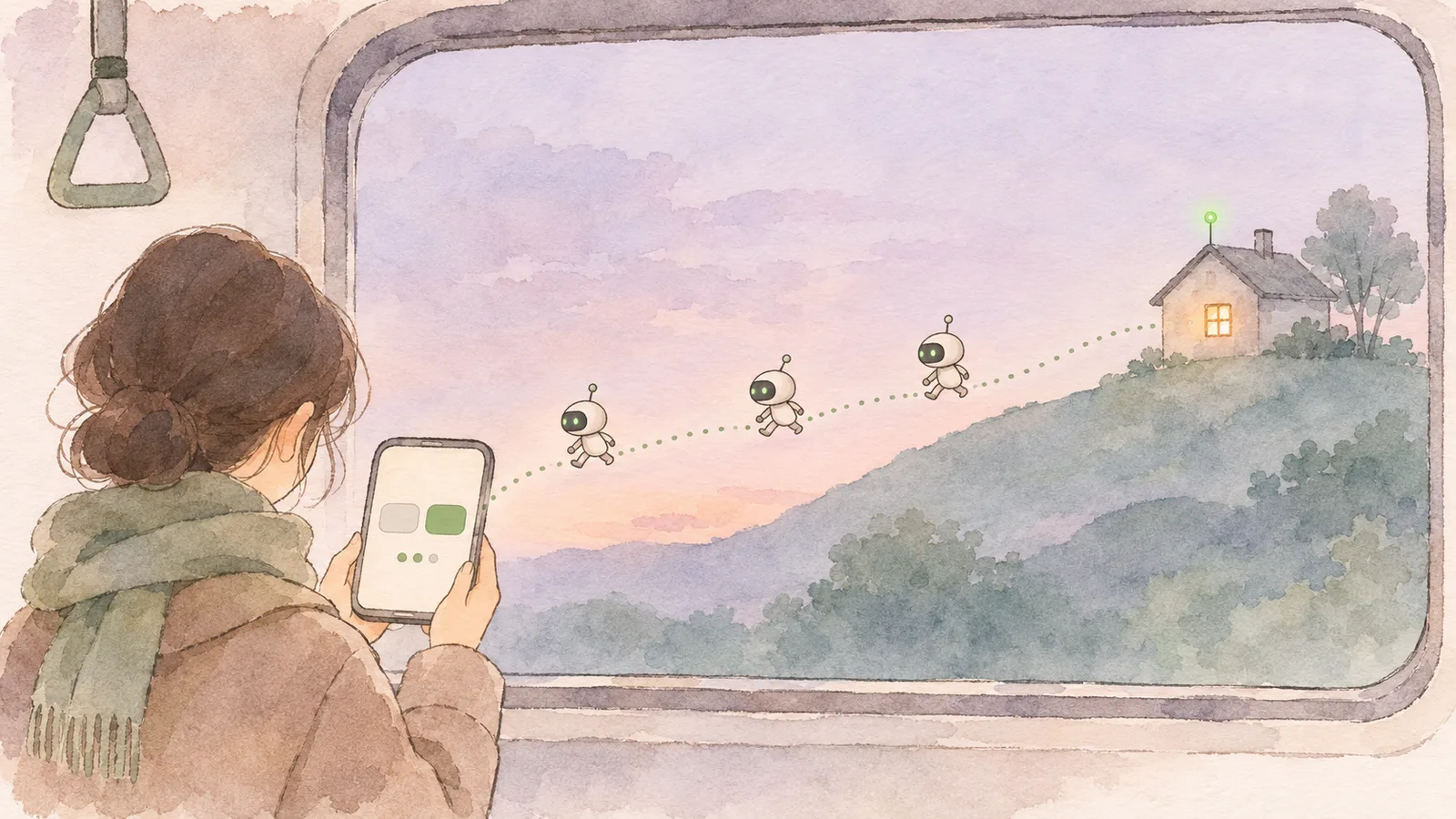
Most agent tools assume you sit at your computer and watch. OpenMausBot doesn’t: the work happens on the server, and you can look in from anywhere. On the train you open your phone: the SEO bot just posted its report, the research bot is reading sources, another bot is waiting for you to approve a command. Tap Allow once and it continues.
What you can do from the phone
Section titled “What you can do from the phone”| Phone browser (paired with a Full access code) | Native iOS app | |
|---|---|---|
| Chat with any bot, start new jobs | Yes | Yes |
| Answer approval cards | Yes | Yes |
| Follow progress and history, press Stop | Yes | Yes |
| Create bots, change models, connect apps | Yes, same as on a computer | No, use the web app |
| Alerts when the app is closed | No | No (only while open or briefly in the background) |
The phone is only a remote. Close it and bots keep working on the server.
Set it up
Section titled “Set it up”-
Give the server an address your phone can reach. We recommend Tailscale: nothing public, free for personal use. Your AI agent can set it up: see how to reach your server from your phone.
-
Install Tailscale on the phone and sign in to the same account.
-
Create a pairing code on your computer: open Settings → Computer → This server, choose Full access (the default) or Chat and approvals only, then click Create code. If the server has a public address (a Tailscale address, say), you get a QR code and a link; otherwise you get a code to type on the server’s
/pairpage. A code lasts 10 minutes and works once.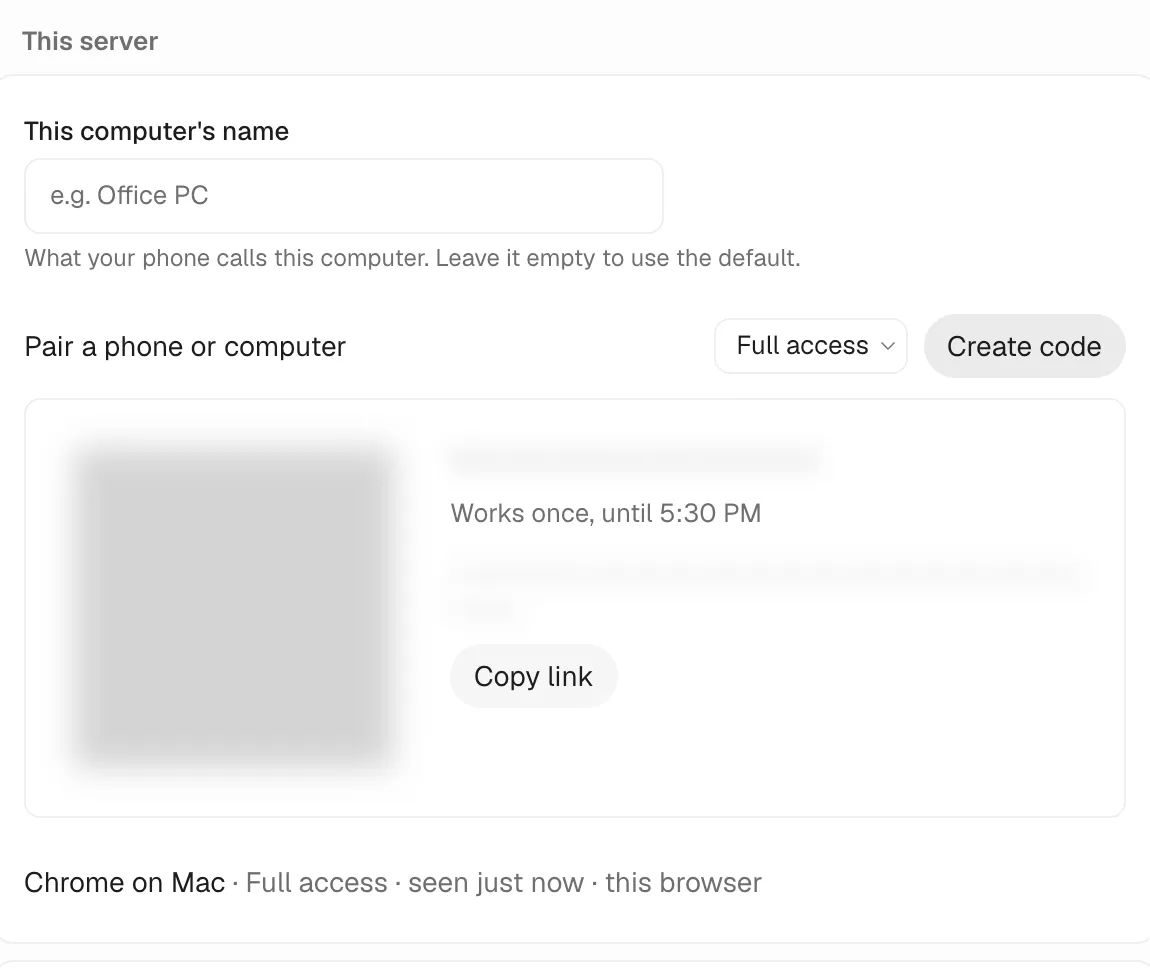
-
Open the pairing link on the phone. For an app-like feel, open it in Safari (iPhone) or Chrome (Android) and add it to the home screen. Neither the web app nor the iOS app alerts you once it is closed, so check in rather than waiting for a ping.
Make the phone experience better
Section titled “Make the phone experience better”- Choose where you want a say. New bots run at Just do it. For a bot whose actions you want to check, pick Ask me first in its bot settings. Cards are easy to answer on a phone. Keep routine bots at Just do it, or they stall on a card while nobody is looking.
- Have routines report only when there is something new. Fewer messages on a phone means each one matters (see the X trends recipe).
Next steps
Section titled “Next steps”- A daily Search Console report: multiple sites, several Google accounts, one chat report every morning at 9.
Spotted a mistake or something out of date? Tell us on GitHub
MausBot Guide is an independent, unofficial community guide and is not affiliated with Supamaus Software Private Limited. OpenMausBot, MausBot and the mascot are trademarks of their respective owner.